REVIEW · NAPLES
Naples: National Archaeological Museum audio guide
Book on GetYourGuide →Operated by ITGUIDES · Bookable on GetYourGuide
A huge museum can feel like a maze. This audio guide turns it into an easy, self-paced route through the National Archaeological Museum of Naples. I like that it’s built around specific objects and collections, so you actually learn what you’re looking at.
Two standout perks are the 85 points of interest (with audio, photos, and text) and the option to start using it before you step into the museum. The main thing to watch is the tech side: you need your smartphone charged, and the content has to be activated online before your visit.
In This Review
- Key points to know before you go
- A 3-hour self-guided plan for a museum that’s actually enormous
- Price and value: $4.70 buys the explanations, not the ticket
- Getting in: you enter on your own, with no meeting point
- The Itguides app workflow: activate online, then download for offline use
- Must-see stops you’ll be glad you didn’t skip
- Hercules: the 3-meter resting star
- Venus Callipigia: grace with a story
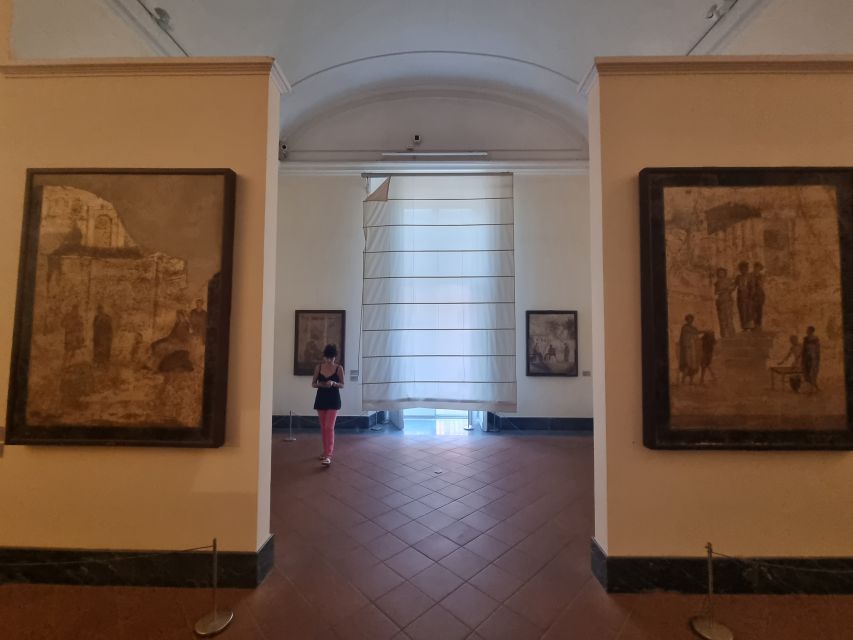
- House of Fauno mosaics: where the details matter
- Greek and Roman scenes: Alexander vs. the Persian king
- Egyptian collection and the famous Gabinetto segreto
- Collections-based listening: why the route feels better than random labels
- The map reality check: helpful, but not perfect for fast jumping
- Small details that make a big difference during a Naples visit
- Should you book this $4.70 Naples audio guide?
- FAQ
- How long is the Naples National Archaeological Museum audio guide?
- Is the entry ticket to the museum included?
- Do I need a meeting point or guide in person?
- Can I use the audio guide before I enter the museum?
- Does it work offline?
- Which languages are available?
- Does my phone need to be activated online first?
- What should I bring for the visit?
- What if I need help using the app?
Key points to know before you go
- 85 points of interest with audio, photos, and extra context tied to the museum’s collections
- Start before the museum using the Itguides app, then follow along inside
- Works offline if you download content ahead of time on good Wi‑Fi or signal
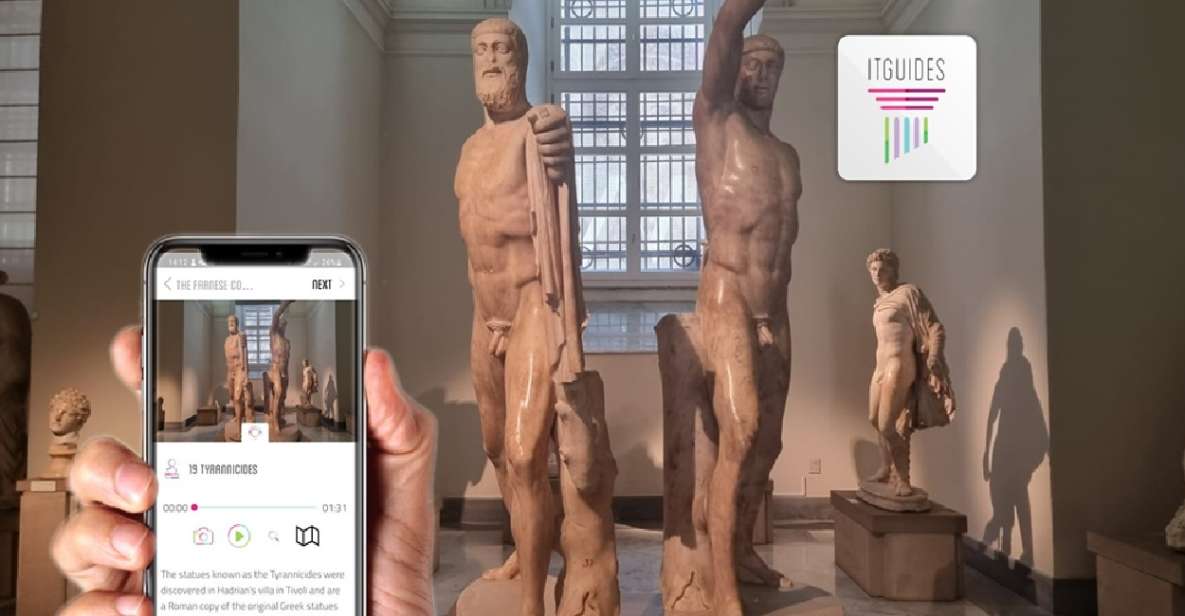
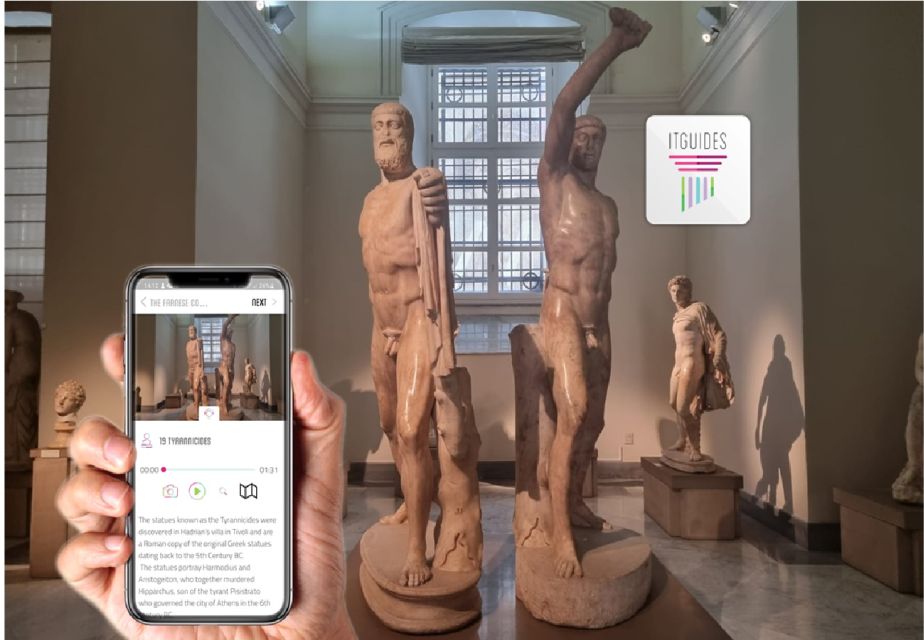
- Focuses on headline objects like the 3-meter resting Hercules and Venus Callipigia
- Includes major themes like mosaics, Greek history scenes, and the Egyptian collection
- Has a map, but it’s not the kind of interactive GPS that lets you jump instantly to anything
A 3-hour self-guided plan for a museum that’s actually enormous
The National Archaeological Museum is big in a very real way. This experience is designed for about 3 hours of self-paced walking, using the audio guide to keep you pointed toward the right works of art.
What I like about that time frame is that it’s long enough to hit real highlights without turning your visit into a full-day marathon. You’ll still be doing plenty of walking, though—so think of the 3 hours as your “learning window,” not a sprint.
You can also read our reviews of more tours and experiences in Naples.



Price and value: $4.70 buys the explanations, not the ticket
At $4.70 per person, you’re paying for the thinking behind the visit. The museum entry ticket is not included, so factor that into your budget, especially if you’re traveling as a family or group.
For me, the value comes down to this: the museum has lots of objects, and you often need help knowing which ones matter and why. This guide focuses on the most important pieces, so you’re not wandering randomly trying to read every label.
Getting in: you enter on your own, with no meeting point
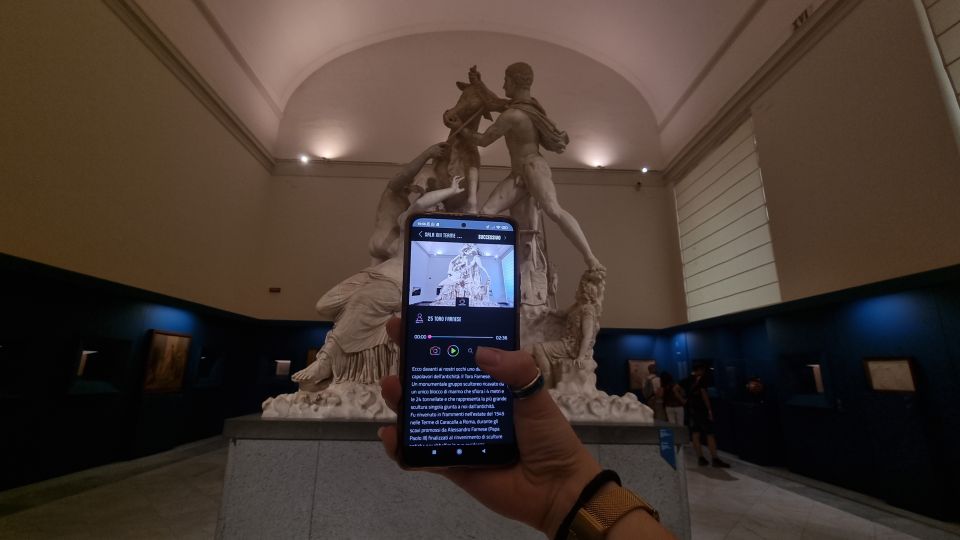
There’s no meeting point. This is fully self-guided, which means you can start whenever you’re ready inside the museum and move at your own speed.
That freedom is great if you hate rigid schedules. It’s also the reason you should prepare a little—if you walk in cold, the museum can overwhelm you. The audio guide is what keeps the experience grounded and orderly.
The Itguides app workflow: activate online, then download for offline use
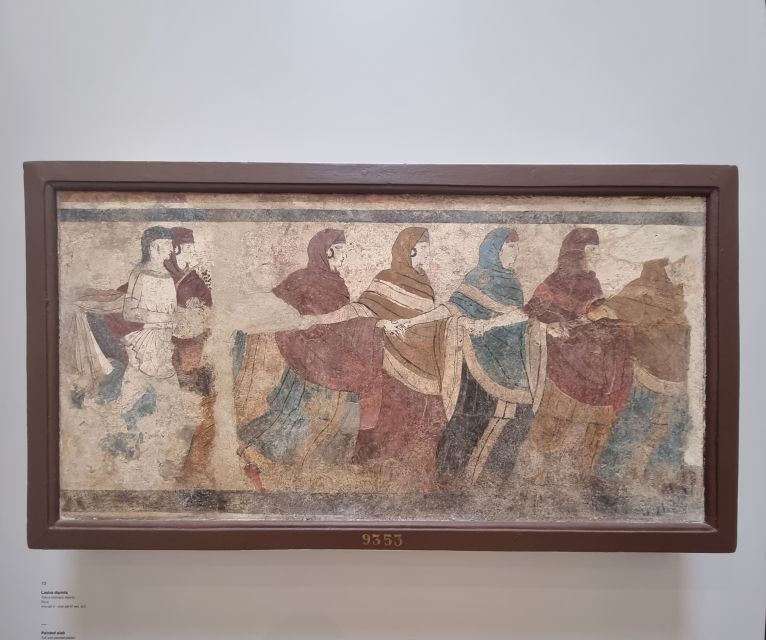
This guide lives on the Itguides app. The content can only be activated online before you go, meaning you should handle the online step at home (or on a pre-museum break) rather than hoping the museum Wi‑Fi will save you.
You’ll want to do two things before arrival:
- Make sure your phone has a serious battery level (aim for a full charge) and consider bringing a power bank.
- Download the audio content ahead of time with solid cellular signal or Wi‑Fi so it can work offline.
One practical tip: try the free demo in the app before you buy, so you know how the interface behaves on your exact phone. It’s a small step that prevents frustration later.
Must-see stops you’ll be glad you didn’t skip
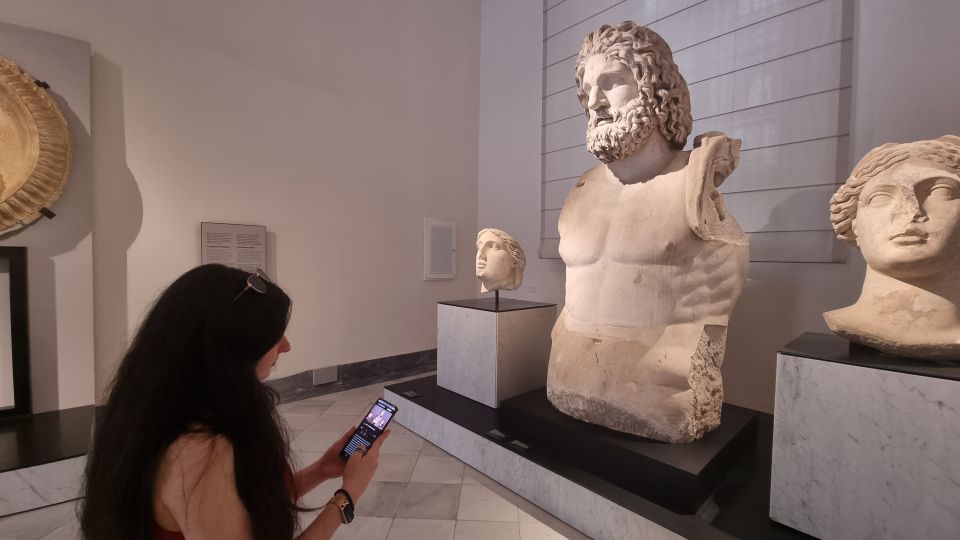
This guide is built around specific “anchor” objects, so your visit has natural milestones instead of feeling like one long corridor of rooms.






Hercules: the 3-meter resting star
The highlight most people zero in on is the 3-meter tall resting Hercules. When you’re standing that close, the scale hits immediately, but the guide gives you the kind of context that turns admiration into understanding.
You’ll get a much better sense of what you’re looking at when the audio points out key features rather than expecting you to read everything visually on the spot.
Venus Callipigia: grace with a story
Another big stop is Venus Callipigia, known for her distinctive pose. The guide doesn’t just let you look—it helps you frame what makes the sculpture important and what to notice while you’re there.
If you enjoy art that rewards slow looking, this is one of those moments where the audio makes the room feel less confusing.
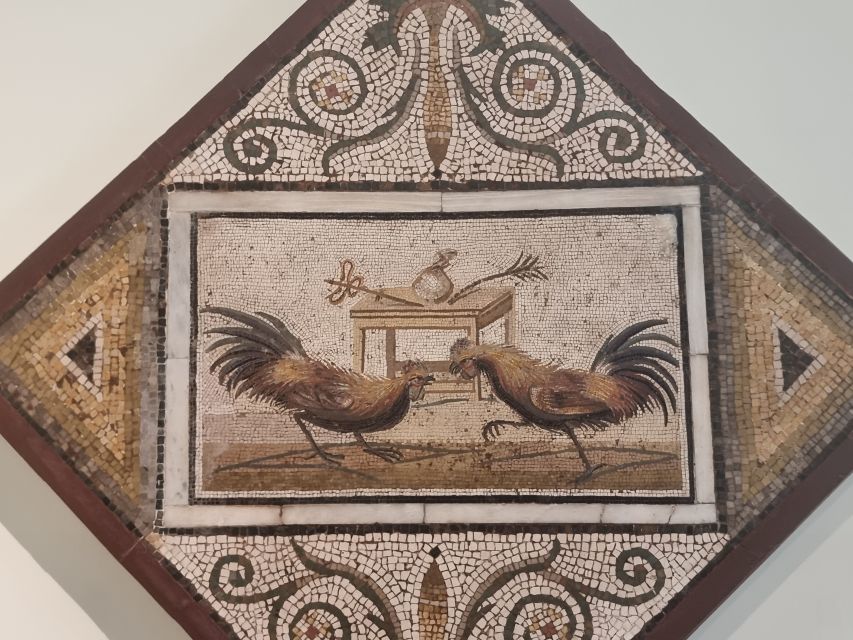
House of Fauno mosaics: where the details matter
You’ll also be directed to the mosaics of the House of Fauno. Mosaics can be tricky because you need a second to stop and process the scene.
This guide helps by pairing photos and audio so you don’t feel like you’re guessing what the artwork is showing. You can zoom in with your eyes and let the description guide your attention.
Greek and Roman scenes: Alexander vs. the Persian king
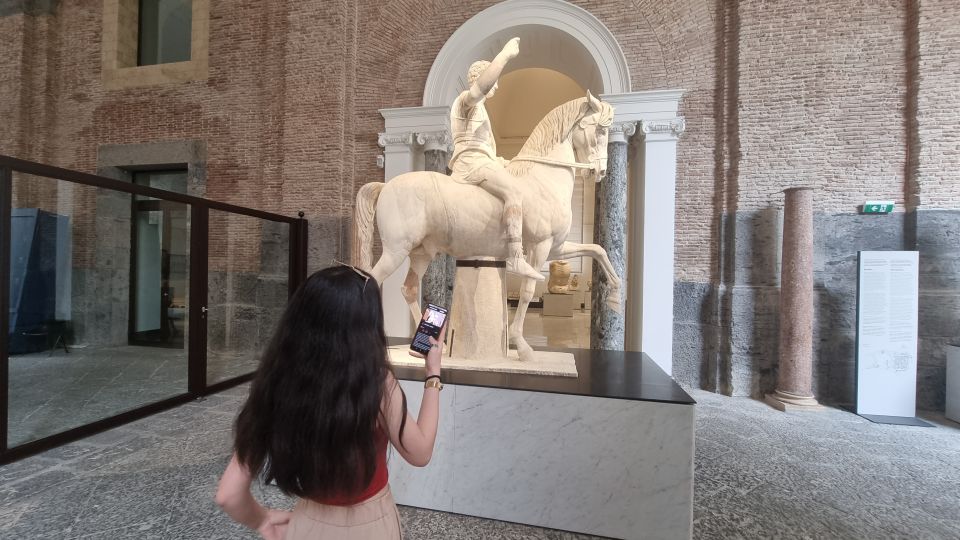
Another centerpiece is a battle scene: Alexander during his battle against the Persian king. This kind of work can look like “lots of figures” until you understand the story the composition is telling.
That’s where a structured audio route pays off. You can focus on the drama of the scene—who’s where, what the action emphasizes—without needing to be an expert on day one.
Egyptian collection and the famous Gabinetto segreto
If you like variety, you’ll appreciate that the guide doesn’t stay in one lane. It includes the Egyptian collection, which is a major contrast from the Greek and Roman sections.
There’s also mention of the museum’s famous Gabinetto segreto. Even if you’re not sure how you’ll feel about that part of the museum, having audio context makes it easier to understand what you’re seeing and why it’s historically relevant.
Collections-based listening: why the route feels better than random labels
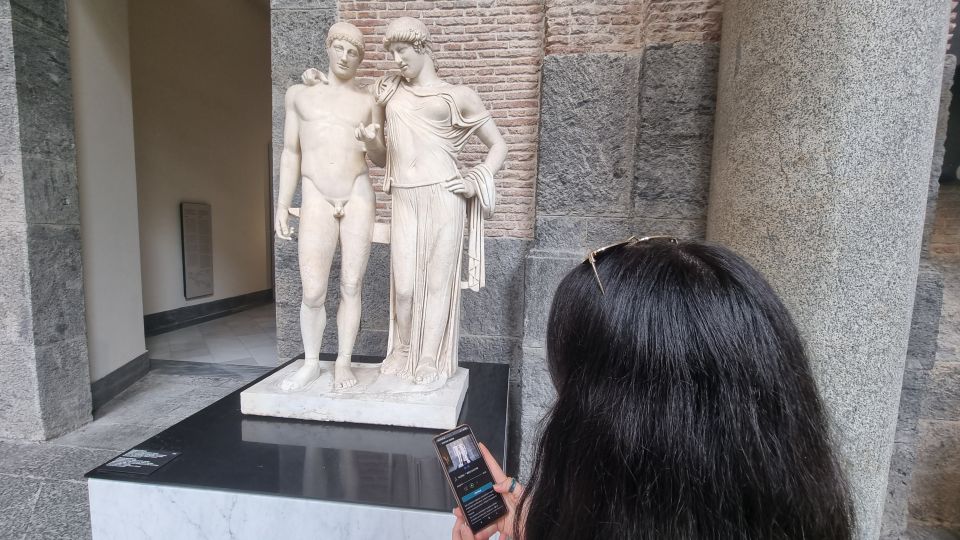
A big reason this guide works for many people is how it’s organized. It’s not just a list of artworks—it’s divided by the museum’s collections, with photos and descriptions that help you move room to room intelligently.
That matters because the National Archaeological Museum is crowded and visually dense. If you don’t have a plan, you can end up spending energy trying to locate your next object. With this guide, you have numbers and points of interest that act like stepping stones.
The map reality check: helpful, but not perfect for fast jumping
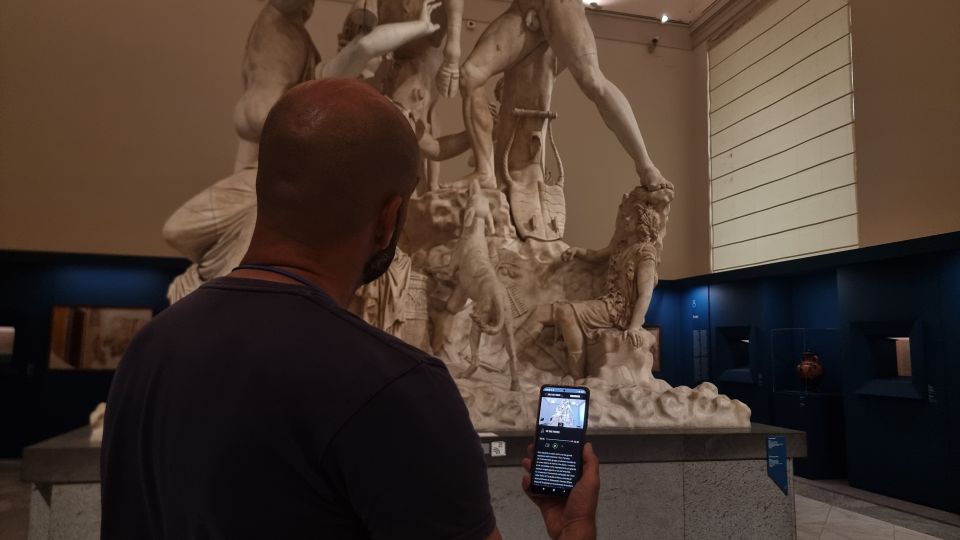
The included map helps you orient yourself. It’s especially valuable in a museum this large.
Still, there’s a limitation: the experience may not feel like an interactive map where you can instantly search by artwork number and teleport across rooms. If you prefer total flexibility, you may sometimes need patience and a bit of backtracking to catch up to the guide’s order.
Also, getting started can feel a little tricky at first, because you’re following the sequence rather than hopping around freely. The best fix is to test the app briefly before your visit and download everything properly.
Small details that make a big difference during a Naples visit
A museum visit lives or dies on comfort and battery life.
Here’s what I’d plan around:
- Comfortable shoes: lots of walking, lots of standing.
- Charged smartphone before you enter.
- Consider a battery power bank, especially if you’re using Bluetooth headphones or screen brightness runs high.
You’re also told the product is fully online in the sense that it’s handled through the app system, not as a ticket-office device. So treat your phone like your museum pass for the audio layer.
One more neat bonus: you’re able to start using the guide before you come in. That’s useful because you can learn the structure of what you’re about to see, so the first rooms don’t feel like chaos.
Should you book this $4.70 Naples audio guide?
Book it if you want a low-cost way to see the museum’s biggest hits without relying on long text labels. This is especially good value if you like structured guidance, because it’s built around key objects like Hercules, Venus Callipigia, mosaics from the House of Fauno, and major collections including Egypt.
Skip it or reconsider if you strongly prefer a highly interactive, search-by-anything guide. If you’re the type who likes to jump instantly to whatever catches your eye, you might feel constrained by the step-by-step flow.
If you’re doing Naples as a museum weekend and you want your phone to do the work, this one is a smart fit—cheap enough to feel safe, detailed enough to make the museum make sense.
FAQ
How long is the Naples National Archaeological Museum audio guide?
It’s designed for about 3 hours of self-guided listening. You can check availability for starting times.
Is the entry ticket to the museum included?
No. The audio guide is included, but you need to buy the entry ticket separately.
Do I need a meeting point or guide in person?
There is no meeting point. It’s a self-guided tour, and you start on your own inside the museum following the app.
Can I use the audio guide before I enter the museum?
Yes. You can start using the audio guide before you come into the museum in the Itguides app.
Does it work offline?
Yes, it’s described as working offline, as long as you download the contents first. You’ll want a good cellular signal or Wi‑Fi to download everything before your visit.
Which languages are available?
The audio guide includes Italian, English, French, German, and Spanish.
Does my phone need to be activated online first?
Yes. This audio guide can only be activated online, not as a ticket-office audio device. Make sure you activate it before going in.
What should I bring for the visit?
Bring comfortable shoes, comfortable clothes, and a charged smartphone. A battery power bank is also recommended to keep you fully covered.
What if I need help using the app?
You can download the Itguides app, and the information says you can try a free demo before buying. It also notes quick support through WhatsApp after purchase for downloading and unlocking the content.